Contents
- What’s a match cut?
- How match cuts work
- The three types of match cuts
- Graphic match: Using visuals to link ideas
- Match on action: The everyday workhorse
- Planning match cuts in pre-production
- Making match cuts work on set and in the edit
- Why match cuts fail
- Practice example: From panels to notes
- When match cuts go wrong
- Putting match cuts in your portfolio
- FAQs
Every panel in your sequence works. The sequence doesn’t. Each shot is clear on its own, but play them back and every cut jolts the viewer out of the moment, like hitting a speed bump.
Chances are, you’re missing a match cut. A match cut ties two shots together by linking their shape, motion, or sound. It’s the secret glue that makes transitions feel smooth.
By the end of this, you’ll know how to spot the right moment for a match cut, plan it on paper, and avoid the mistakes that make studios reject a sequence.
Studios want artists who think in sequences, not just pretty panels.
What’s a match cut?
A match cut connects two shots by matching one element across them. That element could be a shape, a motion, or a sound. The match makes the cut feel deliberate—either invisible or intentionally clever.
For storyboard artists, this matters because match cuts are staging decisions, not editing tricks. You design them in your panels before filming begins. By placing the matching element in the same spot in both panels, you give the editor something concrete to work with.
Match cuts can link shots within a scene or jump across time and place. Either way, the shared element anchors the audience while everything else changes.
This is what sets match cuts apart from generic transitions like fades or dissolves. Those can smooth over any two shots. A match cut works because it’s intentional.
How match cuts work
A match cut links two shots by matching shape, motion, or sound. Here’s the breakdown:
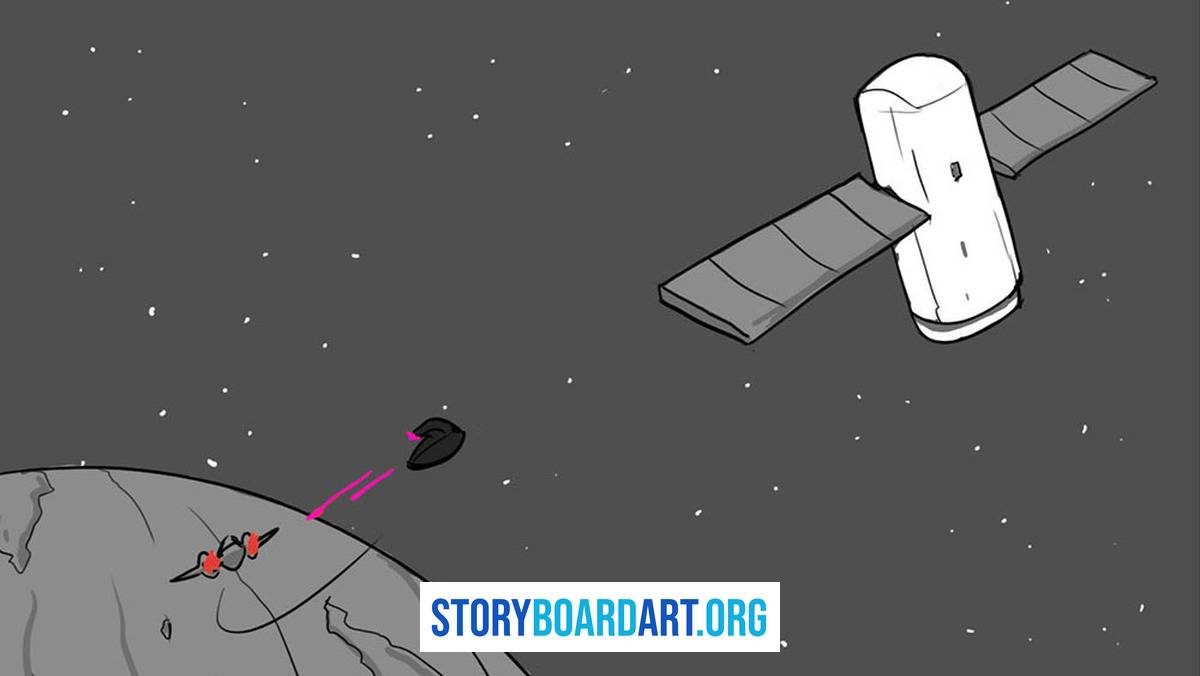
Shot A sets the pattern. Maybe it’s a spinning coin, a car moving left to right, or a ringing phone. The viewer locks onto that one thing.
The cut happens mid-pattern. Don’t wait for the motion to finish. Cut while the viewer’s attention is still focused on the shape, movement, or sound.
Shot B pays it off. The spinning coin becomes a satellite. The car becomes a different car in a different city. The ringing phone becomes an alarm clock. The thing the viewer was tracking stays the same, even if everything else changes.
That’s the trick. The viewer’s brain finishes a thought it already started, so the cut feels earned.
Match cuts fall into two categories:
- Invisible continuity. The cut disappears, and the viewer doesn’t notice it happened.
- Visible association. The viewer feels the cut but still tracks the shared element.
Both count as match cuts. They just aim for different reactions.
This ties into continuity editing—the toolbox of techniques that keep viewers oriented across cuts. For more on that, check out A Storyboard Artist's Guide to Film Editing.
The cut doesn’t start in the edit suite. It starts on your page. You decide what the viewer’s eye is doing the instant before the cut lands, and what it lands on next. Editors can only work with what you give them.
The three types of match cuts
Most match cuts fall into three families. Your job is to pick the right one for the beat, not to cram all three in for show.
Graphic match. The shape, color, or layout matches between shots. A full moon cuts to a clock face. Save this for big transitions or moments that double as metaphors.
Match on action. Cut mid-movement so the action carries over. A hand pushing a door finishes the push in the next panel. This is your workhorse for scenes.
Audio match. A sound from the first shot carries into the second, or two sounds match. Even if you’re not cutting audio yet, note the sound on your panels so the crew knows the plan.
You can combine families. Graphic match plus match on action is often the strongest cut you can draw.
For more on how these cuts fit into a scene, see Film Continuity for Storyboard Artists.
Graphic match: Using visuals to link ideas
A graphic match ties two shots together through shape, color, or lighting. The visuals do the work, no dialogue needed.
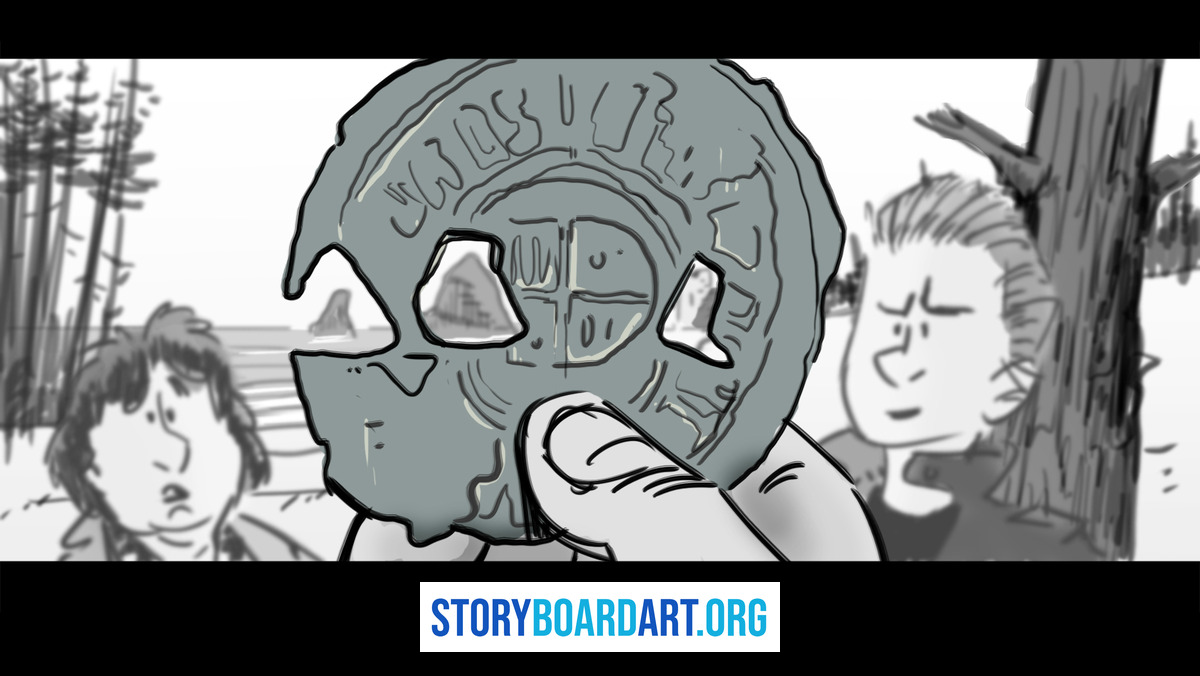
As a storyboard artist, you control three main things:
- Silhouette. The outline of the main shape. A round helmet cutting to a round plate reads as the same idea.
- Placement in frame. Where the shape sits. Center frame or off to one side—repeat it in both panels.
- Value pattern. The light and dark areas. A bright shape on a dark background cutting to the same pattern reads as one unbroken idea.
Graphic matches often work because they create comparisons. The famous bone-to-satellite cut in 2001: A Space Odyssey ties two tools millions of years apart. You don’t need to study it—just find your own matching shapes.
For more on framing panels, see Composition for Storyboards: Rules Every Artist Must Know.
Match on action: The everyday workhorse
A match on action cut starts a movement in one shot and finishes it in the next. A hand pushing a door in panel A completes the push in panel B. The viewer’s brain stitches it into one motion, and the cut disappears.
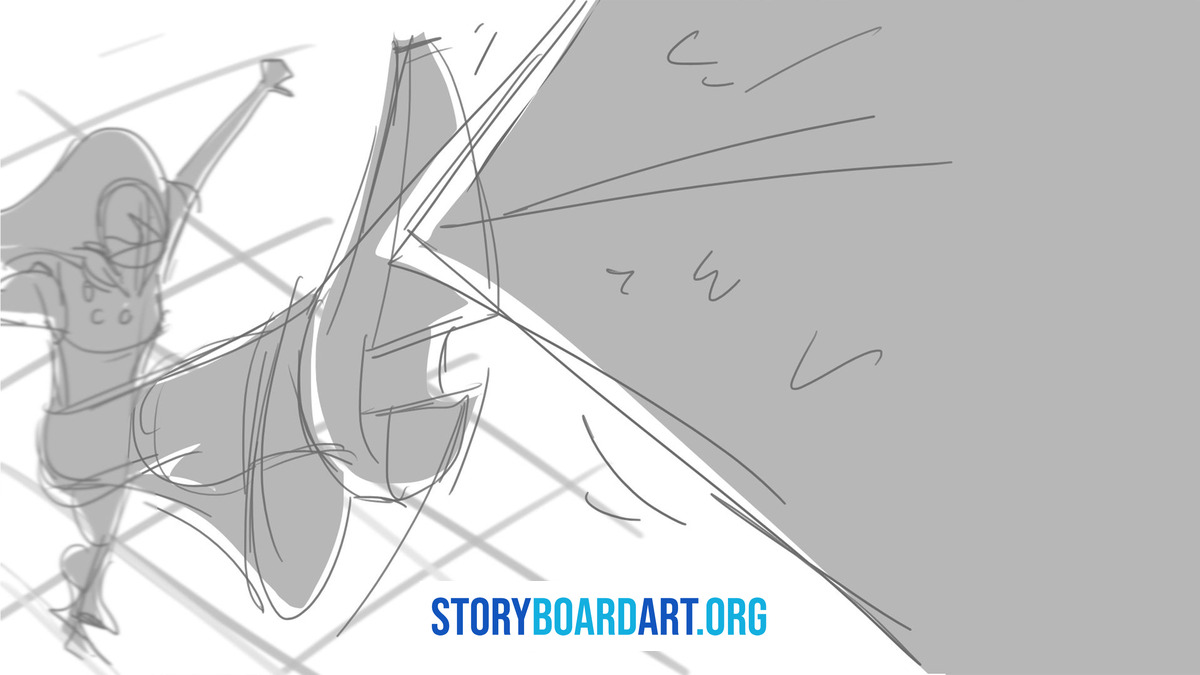
Two rules keep this clean:
Match the motion direction and speed. A left-to-right swing in shot A stays left-to-right in shot B. Keep the speed consistent too. Break either rule, and the motion feels off.
Protect screen direction and eyelines. Screen direction is which way something moves across the frame. Eyeline is where a character looks. Flip either one without cause, and viewers lose track of where things are.
Cut mid-motion, not at the start or end. A door push works best cut halfway through, after the hand makes contact but before it swings open.
On your boards, mark the exact cut frame. Write “CUT ON ARM SWING” or similar, and add a note: “action continues, match timing.”
For more on picking the right shot, see Different Camera Shots in Film: Fix Flat Storyboards.
Planning match cuts in pre-production
Unplanned match cuts become rescue missions later. The editor scrambles to fix what should’ve been clear from the start.
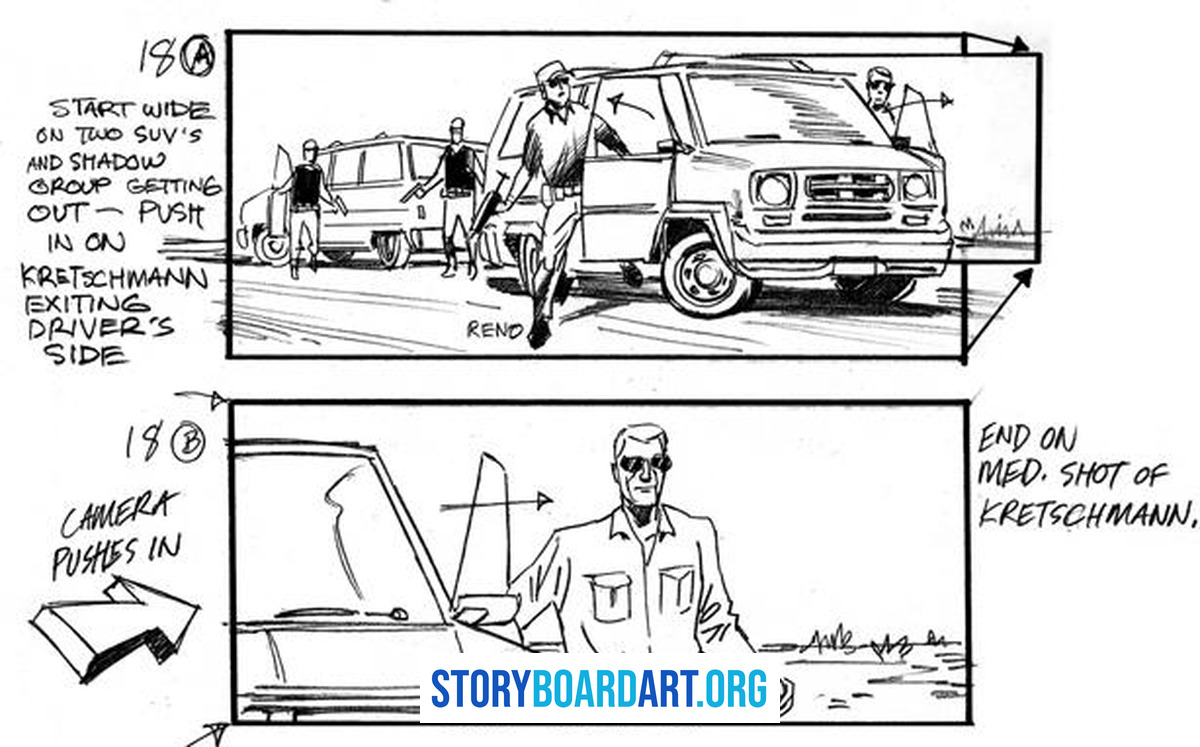
Five notes to include:
- Name the matching element. Write “match: round shape” or “match: left-to-right swing” on the panel.
- Lock the camera idea. Decide the height, angle, and lens feel upfront.
- Flag lighting continuity. Note the light’s direction and quality.
- Leave handles. Draw extra panels before and after the cut point for editing flexibility.
- Note what stays the same. Something like “background constant, prop changes” tells the crew what to protect.
Sergio says:
“The tools have changed, but the skills haven’t. Story artists need to solve problems—camera staging, character positions, pacing. That’s the foundation of storytelling.”
Once your notes are set, test them in motion. See What Is an Animatic? How Storyboards Become a Timed Scene.
Making match cuts work on set and in the edit
Good planning has to survive the shoot. Here’s the checklist:
On set:
- Lock the camera. Use a tripod and mark the floor. No drifting between shots.
- Lock focus and white balance. Keep sharpness and color consistent.
- Rehearse the timing. Match the action speed to your boards.
In the edit:
- Use an overlay to check alignment. Confirm the shapes line up before committing.
- Color match as a finishing touch. It can smooth a cut, but it won’t fix bad staging.
For more on this craft, see Cinematography for Storyboard Artists: Film Language Guide.
Why match cuts fail
Match cuts either work or they don’t. Here’s what breaks them:
- Camera height mismatch. The object lines up, but the world around it doesn’t.
- Focal length mismatch. Cutting between a wide lens and a long lens warps space.
- Motion speed mismatch. Fast in one shot, slow in the next—it stutters.
- Lighting direction flips. Shadows fall backward, and viewers notice.
- Screen direction break. Left-to-right in one shot, right-to-left in the next confuses.
Fix camera and motion first. Color tweaks come last.
Practice example: From panels to notes
Here’s a template for a simple match cut:
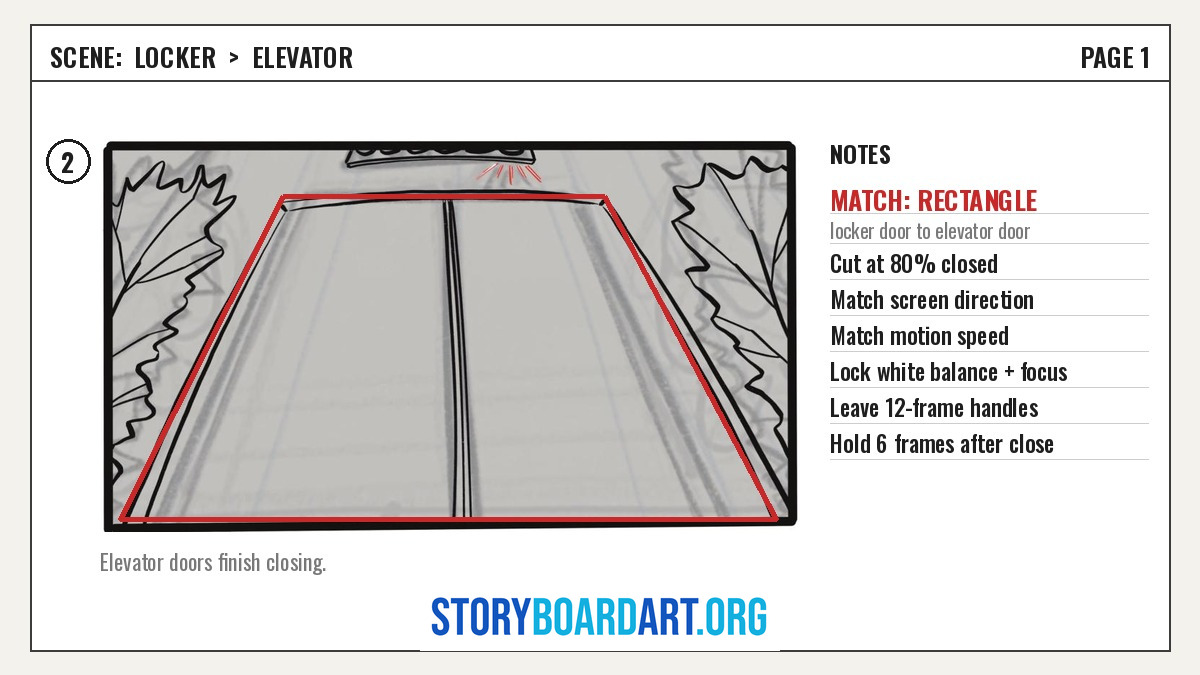
The scene: A character closes a locker door. The cut matches to an elevator door closing somewhere new.
- Panel A. Medium shot. The locker door starts to close, filling the right side of the frame.
- Mark the cut frame. Cut when the door is 80% closed. The rectangle is the strongest shape.
- Panel B. Frame the elevator doors in the same spot. Match the closing speed.
- Write the notes. “Match screen direction,” “match motion speed,” “lock white balance and focus,” and “leave 12-frame handles.”
- Time the animatic. Hold on the elevator for 6 frames after it closes.
This works because the viewer’s focused on the door closing. The rectangle anchors the cut while the location changes.
Reuse this template. Swap the locker and elevator for other shapes—a spinning coin and a wheel, a slammed book and a laptop.
When match cuts go wrong
Match cuts can hurt your sequence if:
- They steal attention. Flashy cuts overshadow the story beat they’re supposed to serve.
- They waste time. Chasing the perfect match eats hours better spent on plot-heavy sequences.
- They force symbolism. A connection that doesn’t feel real reads as empty cleverness.
- They break continuity. Matching a shape while flipping screen direction confuses viewers.
Sergio says:
“Never fall in love with a scene. Look at the episode as a whole.”
If the match cut doesn’t strengthen clarity, emotion, or pacing, cut it.
Putting match cuts in your portfolio
Use this to decide:
Green light. The match cut strengthens a clear story beat—a time jump, character comparison, or location change. Use it.
Yellow light. The staging is shaky. Fix that first. A match cut won’t save a scene that doesn’t work.
Red light. You’re reaching for a match cut to dress up a weak beat. Cut it.
Reviewers notice match cuts fast. Used well, they show you think in sequences. Used badly, they show you reached for a trick instead of solving the scene.
For real feedback on your sequences, start here: Killer Storyboard Portfolio.
FAQs
What’s the difference between a match cut and a jump cut? A jump cut removes time from a single shot, emphasizing the gap. A match cut joins two shots by aligning a shape, motion, or sound, making the cut feel seamless or intentional.
Is a graphic match the same as a match cut? No. A graphic match is one type of match cut, based on visuals. Many match cuts rely on motion or sound instead.
Can I plan match cuts at the storyboard stage? Yes. Plan them before filming. Pick the matching element, mark the cut frame, and write capture notes.
Do I need Adobe Premiere to do match cuts? No. Any editing software can handle it. What matters is your boards—picking the element, matching the timing, and protecting screen direction.
What’s the fastest way to practice match cuts? Pick a simple action—a closing door, someone sitting down—and board it in two locations. Build a short animatic and refine until it reads clearly.
