Contents
- What is an animation storyboard?
- How storyboarding for animation differs from live action
- How a sequence moves through a story department
- How to storyboard animation, step by step
- Pitching your boards and taking notes
- Storyboarding to time in TV animation
- How to practice animation storyboarding
- Frequently asked questions about animation storyboards
Every animated film and series starts as a stack of drawings long before anyone animates a frame. Those drawings show the story shot by shot, so the team can see the film and fix it while changes are still cheap.
An animation storyboard is where that work happens. This guide covers what one is, how storyboarding for animation differs from live action, how a sequence moves through a story department and how to board your own scenes, with a few lessons from my own time in story.
What is an animation storyboard?
An animation storyboard is a sequence of drawings that tells a scene shot by shot, in the order the audience will see it. Each panel stands for a moment on screen, and together the panels show what happens, who is in the frame and where the camera sits.
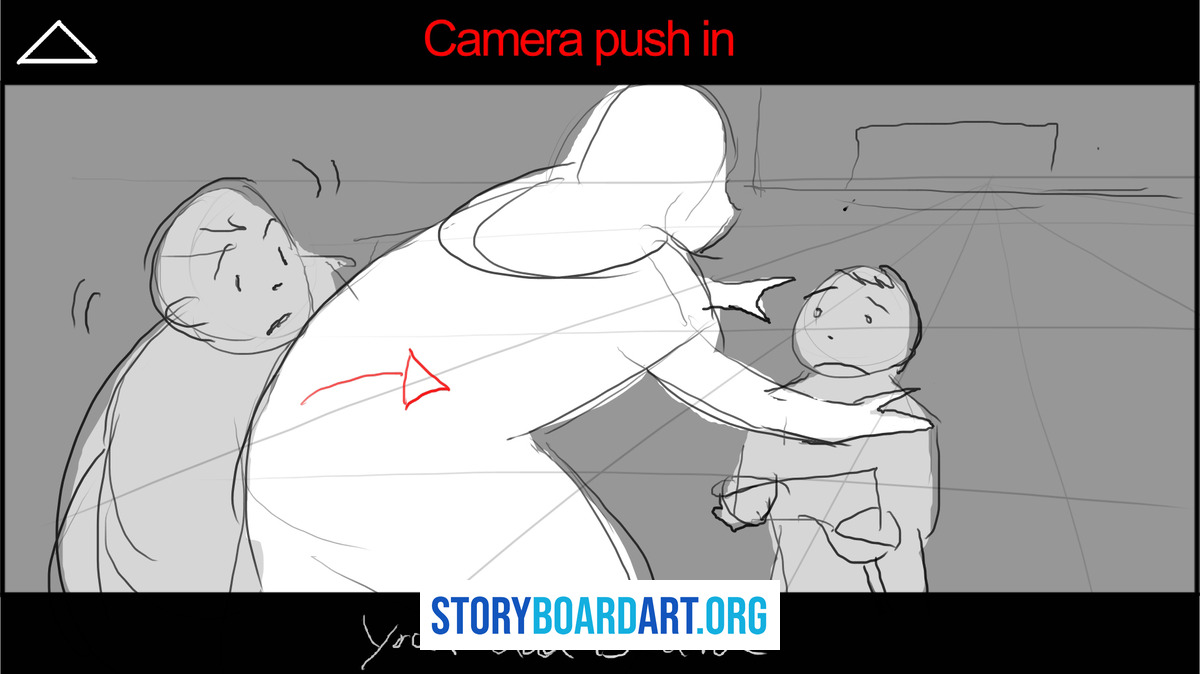
A single panel in an animation storyboard usually carries this information:
- Staging: where the characters stand and how the shot is framed.
- Acting: the pose and expression that sell what a character feels.
- Camera: the shot size and any move, such as a pan or a push-in.
- Dialogue and sound: the lines and effects that play over the panel.
- Notes: anything the next department needs to know, such as an effect or a timing beat.
Boards in animation change constantly while the story is being worked out, so they are drawn to be read quickly and replaced easily. A panel only has to make its moment clear, and anything more is time that could go into the next version.
The storyboard as we know it began in animation. Walt Disney Animation Studios says the process was developed at its studio in the 1930s, and its story artists still use it today, drawing on paper, digitally or both.
The page also notes that story is one of the first departments to start visualizing the narrative. That timing matters, because the boards become the plan every other department follows.
If you are new to storyboards in general, Introduction to Storyboarding: The Beginner's Complete Guide covers what a storyboard is, what it is for and how one gets made, before you specialize in animation.
How storyboarding for animation differs from live action
On a live action film, the storyboard helps the director and crew plan a shoot, and the camera then records real actors on a real set. In animation there is no set to shoot, so every frame has to be built, and the boards are the first place the film exists at all.
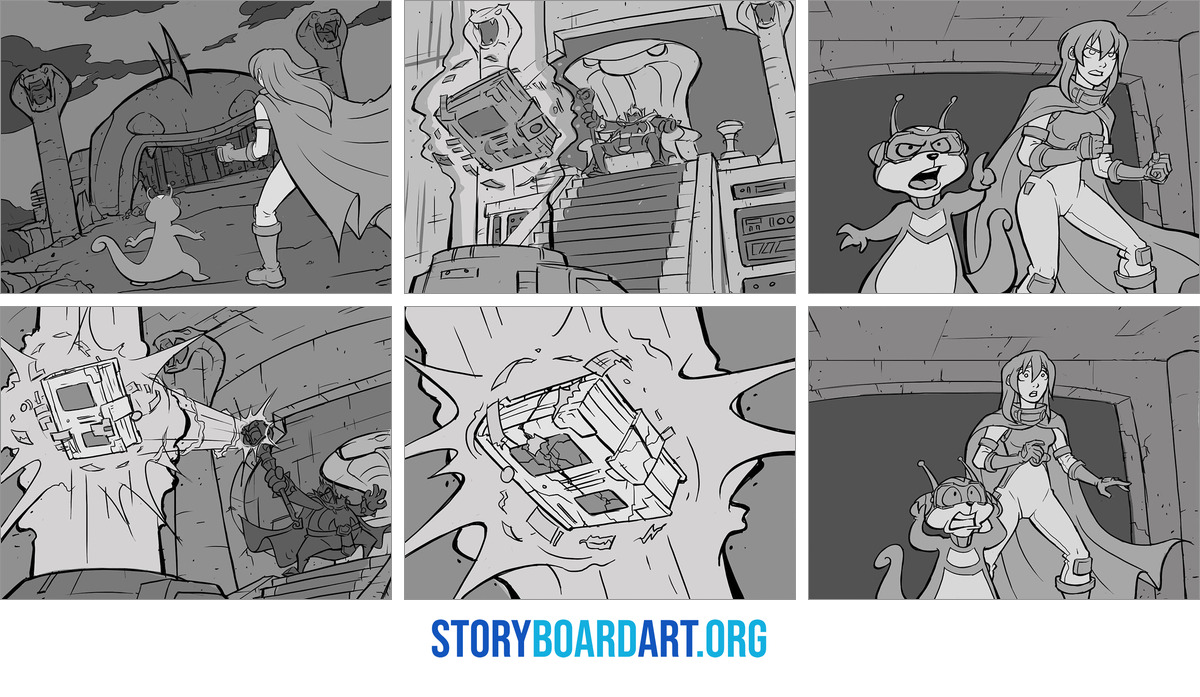
That changes how the boards are drawn. Live action boards often use one panel per shot, with arrows to show a camera move or a character's path. Animation boards break each shot into many more drawings, because the acting itself has to be designed before anyone animates it.
Feature Animation Storyboards shows how this works on a feature, where arrows are rarely used and each beat and camera move is documented with several poses.
The type of production changes the boards too:
- Feature animation: boards that help find the story itself, redrawn many times and cut into an animatic reel as the film takes shape.
- TV animation: boards drawn as the blueprint for the animation, with clear staging, camera notes and acting poses, on a tight schedule.
- Live action: boards a crew can shoot from, planned around real locations, lenses and actors.
Keeping every character perfectly on model is rarely the priority in feature boards, because the animators will handle that later. The acting and the story have to read clearly from panel to panel, and that is what a director looks for in a pitch.
The job titles change between productions as well. What Does a Story Artist Do? (And How to Become One) explains how a story artist differs from a storyboard artist and how the role works in features, TV and live action.
How a sequence moves through a story department
A story department turns the script into boards one sequence at a time. Each artist takes a sequence, boards it and pitches it, and the notes from each pitch go into the next version until the director signs off.
Here is how a new sequence usually unfolds for a story artist.
In the story department you are usually given a brief or a script, or you have a kickoff meeting with the director, the writing team, or the key supervisors who will work with the story team to flesh out a scene. At that point the responsibility shifts to the story artist to create their first best pass and pitch what happens. When you get down to business the idea is to drop a presentable iteration as fast as humanly possible, one that can be pitched to your supervisor and will eventually make it into the pitch room for the director. Once that happens it gets passed to editorial and put up on reels so everything can be viewed as an animatic. The communication chain is very important, and any doubts about the sequence need to be clearly resolved before committing to the work. Otherwise you can spend days on a sequence that gets cut or changed completely because it was in the wrong direction.
Get the first pass up fast and settle every doubt before you commit to it. A rough sequence that can be pitched early tells you whether you are heading in the right direction, and a question asked at the kickoff can save days of drawing.
The animatic is where your boards first play as a scene. What Is an Animatic? How Storyboards Become a Timed Scene shows where it sits in the pipeline and how scratch tracks and timing turn boards into something the whole team can watch.
How to storyboard animation, step by step
Every studio has its own process, and most of them follow the same basic order. Here is how to storyboard for animation, from the script to the animatic:
- Read the script or brief: know what the scene has to do for the story before you draw anything.
- Gather reference: collect the locations, characters and props the sequence needs.
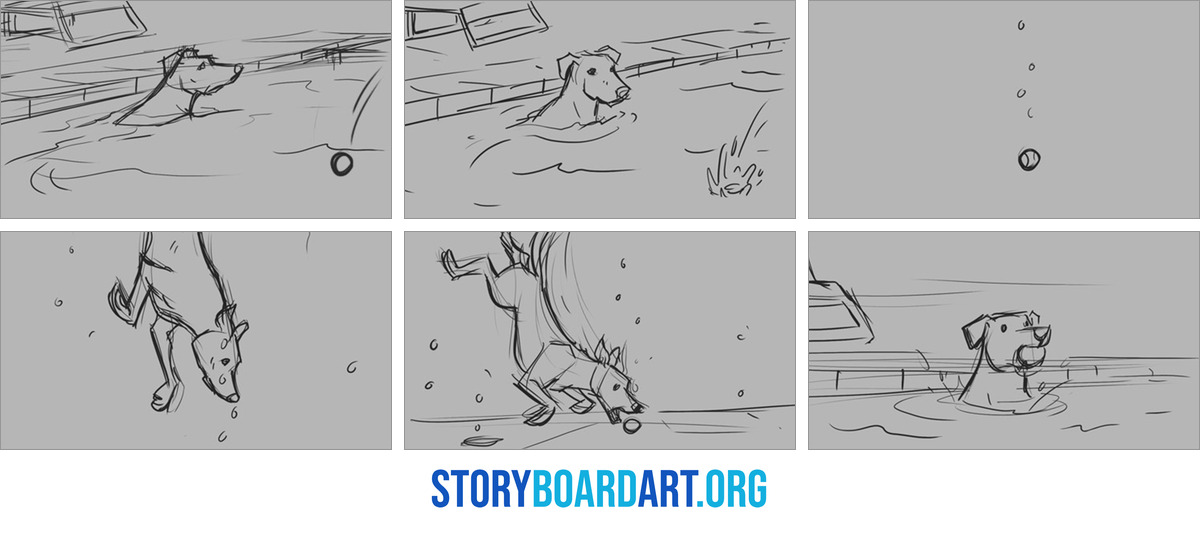
- Thumbnail the whole sequence: draw small, fast and rough until the order of shots works.
- Plan the camera: decide where it sits for each shot and keep screen direction consistent.
- Draw the panels: clean up the strongest thumbnails into panels, with a key pose for each acting beat.
- Add dialogue, sound and notes: write in the lines and any effect or camera move the next department needs.
- Pitch it and revise it: present the sequence, take the notes and redraw what doesn't work.
- Time it as an animatic: cut the panels to the dialogue so you can see the pacing.
The note that changed how I thumbnail came from a supervisor early on.
One of the most important supervisor notes I got early in my career was about limiting the detail in my drawings. He called out how rendered and excessive my initial thumbnails were, and how unnecessary that was. I was trying to cover up substance with technique. Making my images prettier did not add anything to the storytelling. He correctly identified that I should simplify my thumbnails and make them very simple and clear: line only, no tones, no rendering. That is one of the notes I still remember today, and it is a working method that is very important for iteration and speed.
Keep your thumbnails to simple, clear lines with no tones or rendering. Fast, rough drawings let you try more versions of a sequence, and every extra version is another chance to find the clearest way to tell it.
For how big to draw them, how many to make and how to pick the winners, see Thumbnail Sketch Guide: Fast Fixes for Broken Sequences.
When a camera move or a character's path has to fit inside one panel, an arrow shows it. Storyboard Arrows: A Beginner's Guide to Showing Movement covers camera arrows, push-ins, character paths and screen direction.
Pitching your boards and taking notes
Boards in animation are made to be pitched. You stand in front of the director or your supervisor, walk through the sequence panel by panel and act out the characters. Then the room gives you notes, and you take them back to your desk for the next version.
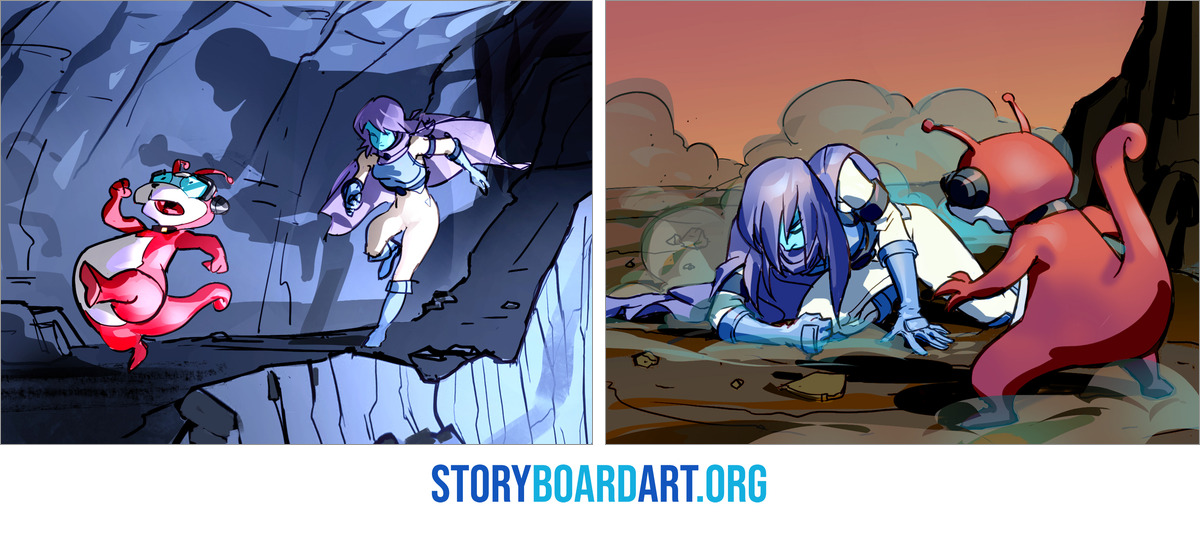
A good pitch shows that you know what comes before and after your sequence, as well as what happens inside it.
I learned how much that matters from a pitch that went wrong.
I worked really hard on a sequence that was a character moment on a particular project. When I pitched it to the team I almost immediately felt how out of place it was, given the scenes before and after it. Even though I had worked hard on it, I got direct and honest feedback that showed me I should have identified those issues up front, and that it should be cut from the project. It was. It was disappointing at the time, but it taught me a big lesson about preparation, research and communication, so that I never got that uneasy feeling again. These are the necessary moments when you are learning to pitch and to work with a team: they have to happen so you learn how to do it better next time.
Know the scenes on either side of yours before you pitch. Read the whole script, ask what your sequence has to do for the story and check your idea against it, so you find the problems at your desk before the pitch.
Notes are part of the job, even the ones that cut your work. Take each note calmly, ask questions until you understand what the director is after and bring a better version to the next pitch.
Storyboarding to time in TV animation
TV animation runs on tight schedules, and most series give every episode a fixed running time. The boards are drawn, timed in the animatic and trimmed until the episode fits, so some good scenes always end up cut.
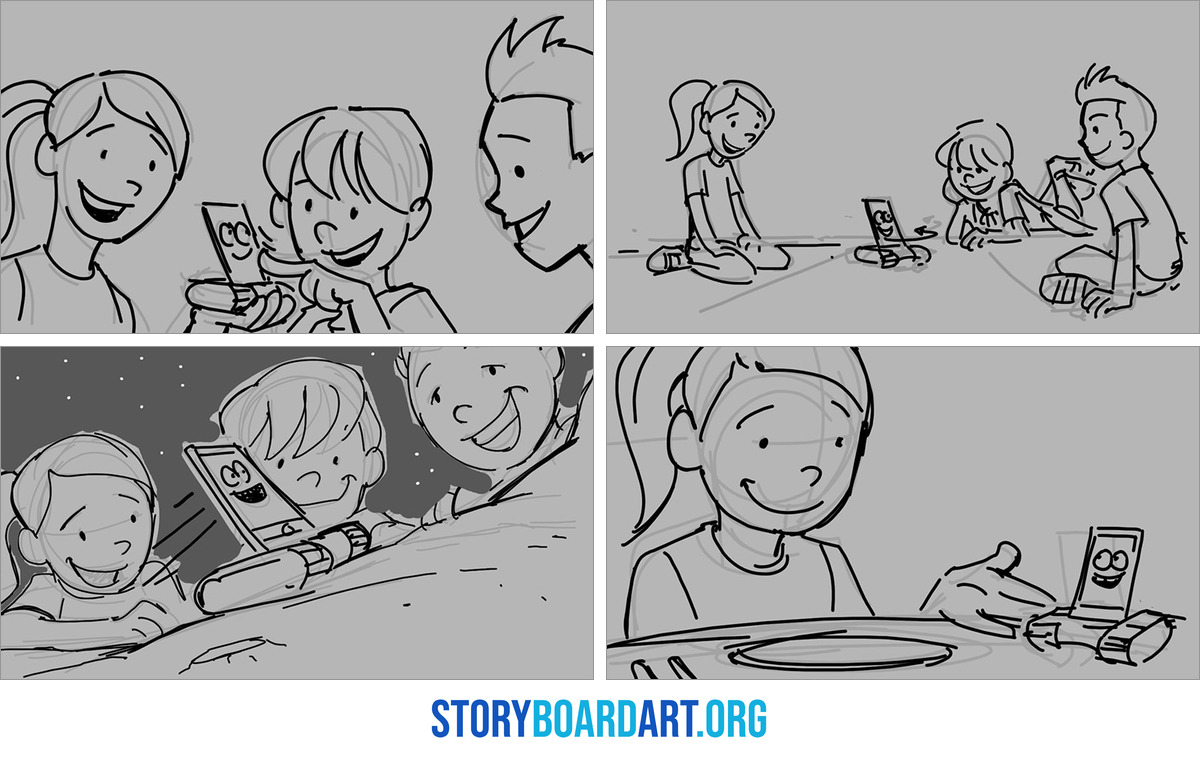
The same speed applies to the boards. On a TV schedule there is little time to polish, so clear and simple drawings that read at a glance are the ones that keep a production moving.
Here is what I learned about those cuts as a TV director.
One of the things I learned directing on Star Wars Rebels and Star Wars Resistance was the speed at which I had to decide and commit to a decision. Some of the most important decisions I made were the cuts I had to make to bring the running time down. All of our episodes had to be around 21 minutes and they could not go over, and most of the time we were dealing with raw assemble edits around 25 to 30 minutes long. The supervising directors would help direct that, but in the end I had to make decisions that affected scenes I had worked on myself. It was about never being precious, never falling in love with any one scene or with anyone’s output, including my own.
Never fall in love with a single scene, including your own. Judge every sequence by what it does for the whole episode, and expect to cut a scene you worked hard on when the running time demands it.
Both series were made at Lucasfilm Animation, and its page follows the studio's shows from The Clone Wars on.
How to practice animation storyboarding
The fastest way to improve is to board complete scenes, from the first thumbnail to a timed animatic. Pick a short scene from a script or write one of your own, then take it all the way through the steps above.
Re-boarding a scene from an animated film you love is good practice too. Draw your own version first, then compare it with the finished scene to see how the staging, the cutting and the acting differ.
Practice the drawing underneath it all as well. Gesture Drawing Practice for Storyboard Artists sets out a 20 to 30 minute daily routine for poses that read at a glance.
If you want to board digitally, Toon Boom Storyboard Pro: Build a Portfolio-Ready Animatic walks through Storyboard Pro from thumbnails and panels to the timeline, audio, camera and revisions, ending with an animatic you can put in a portfolio.
Show your boards to working artists as you go, and ask them where the story stops reading clearly. Their notes on a whole sequence will show you what to fix in your next version.
When you have a few sequences you're proud of, they become the core of your portfolio. For a guided start, sign up for Free Training: Build a Killer Storyboard Portfolio, a free workshop on preparing a professional storyboard portfolio that comes with downloadable portfolio templates and a networking guide.
Frequently asked questions about animation storyboards
What is the difference between a storyboard and an animatic?
A storyboard is the set of drawings that plans a scene shot by shot. An animatic is those same drawings cut to time with dialogue and sound, so you can watch the scene play at its real length.
What software do animation storyboard artists use?
Toon Boom Storyboard Pro is widely used in TV animation, and many artists also board in Photoshop or another drawing program. Any program that lets you draw fast and cut panels in order will do while you learn.
Do you need to be good at drawing to storyboard animation?
You need to draw clearly enough for each moment to read on its own. Strong poses, readable staging and simple lines matter most, and steady gesture practice builds all three.
Is a story artist the same as a storyboard artist?
The two titles overlap, and studios use them in different ways. In feature animation a story artist often helps shape the story itself, while on many TV shows a storyboard artist works from a finished script.
