Contents
- Why action scenes are hard to storyboard
- Plan the beats in thumbnails first
- Lock the geography and screen direction before the action starts
- How to storyboard a fight scene
- How to storyboard a chase scene
- Show motion on the page and control the pace of the cuts
- Frequently asked questions about storyboarding action scenes
Most of the first action boards I review are full of energy, with big poses, speed lines and debris flying everywhere. Then I flip through the panels as fast as the scene would play on screen, and I can't tell who is winning, where anyone is standing or what just happened.
Learning how to storyboard action scenes means making a few decisions before you draw the first punch, then keeping every panel readable at full speed. On every job I make those decisions in the same order: the beats first, the geography second, then the staging of the fight or the chase, with motion and pacing last.
Why action scenes are hard to storyboard
An action scene asks more of a storyboard than almost any other kind of sequence. The audience has to know where everyone is, which way they are moving and what changes from one shot to the next, and all of it has to come across in still drawings, each one standing in for a shot that may last a second or two.
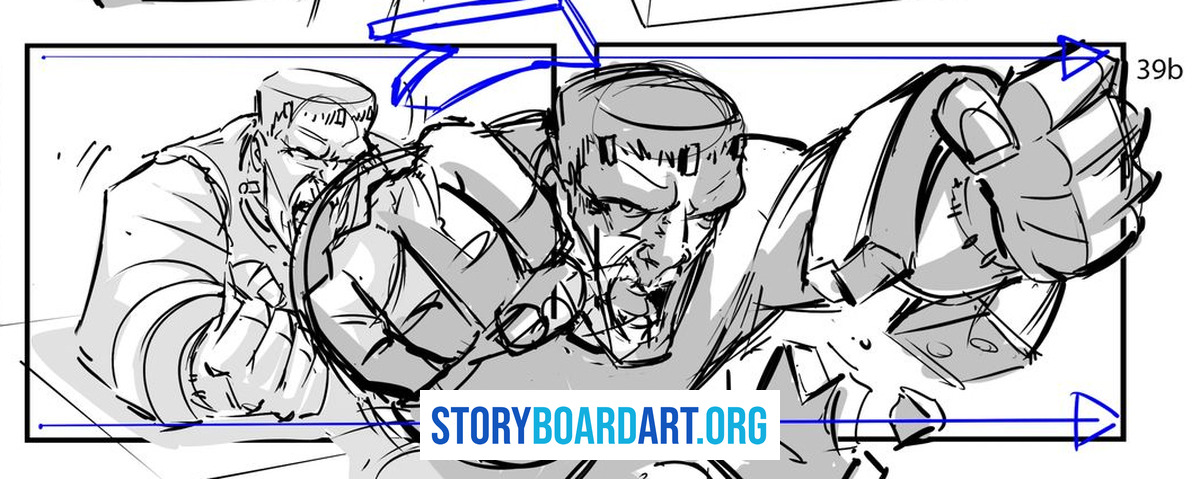
When an action board falls apart, the drawing is rarely the problem. The panels are busy but flat, because the camera sits wherever the pose was easiest to draw and every shot carries the same weight, so nothing builds.
Here is what I've seen happen when a student gets past that.
I have worked with a number of students, and many of them follow the same pattern. They need to be told a thinking process for how to make decisions and shot choices that create an exciting visual experience. It is not about doing something conventional, it is about finding the most unique and exciting camera angles for a particular action scene. Once that clicks, they unlock their own potential and they know what they have to do to resolve the visual problems. The result is a big leap from their previous assignments: they can handle more complicated things, more sophisticated camera work, more exciting staging, because they understand what is required and the problem-solving method to get there. Before, they might have been struggling just to place the cameras so the scene made sense. Afterwards they can diagnose a dull, lifeless scene and know which levers to pull to inject excitement and unique visual solutions. That is when a student has a breakthrough. At that point what I always tell them is that they are never allowed to go back. They have unlocked a new skill and set a new bar for themselves, and now they have to keep going and keep growing.
The rest of this guide is that thinking process, one decision at a time. For the film language behind those camera choices, read Cinematography for Storyboard Artists: Visual Film Language, which covers how a scene gets staged for the camera.
Plan the beats in thumbnails first
A beat is one change in the situation, like a character getting knocked down, losing a weapon, spotting an exit or getting cornered. Before I draw a single clean panel, I write the beats of the sequence as a short list, because an action scene is a chain of these changes, and if I can't list them, I don't understand the scene yet.
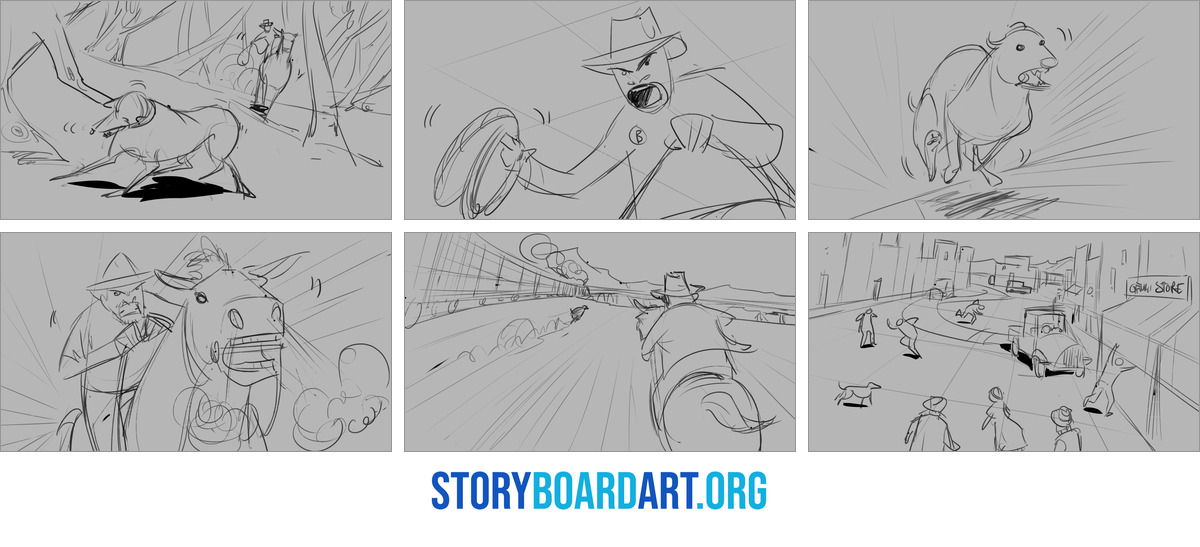
For a short fight in a parking garage, the list might look like this:
- Setup: the hero walks to her car and notices someone following her.
- First exchange: he grabs her from behind, and she breaks free.
- Escalation: he pulls a pipe from a truck bed, and she drops her keys.
- Turn: she ducks behind a pillar, the pipe hits concrete and she takes it from him.
- Ending: she reaches her car and drives off as he gets back to his feet.
Each beat on that list raises the stakes or changes who has the upper hand, and the fourth one is the turning point, where the fight swings the other way. If two beats in a row do the same job, cut one of them or make the second one worse for your hero.
Then thumbnail the whole sequence on one or two pages, small and fast, before you commit to a clean panel. At thumbnail size you are only deciding the shot, the camera position and the one pose that tells each beat, so a bad idea costs you seconds to fix instead of an afternoon. I go deeper into that stage in Thumbnail Sketch Guide: Fast Fixes for Broken Sequences.
A quick test before you move on: read only the thumbnails, without the beat list next to them, and check that you can still follow who has the upper hand from panel to panel. If you can't, the drawings aren't carrying the story yet, and no amount of rendering later will fix that.
Lock the geography and screen direction before the action starts
Geography is the audience's sense of where everyone is in the space. A viewer can lose track of it for a moment in a dialogue scene and still follow along, but once the geography goes in an action scene, nobody can tell whether a punch landed or whether the car is gaining.
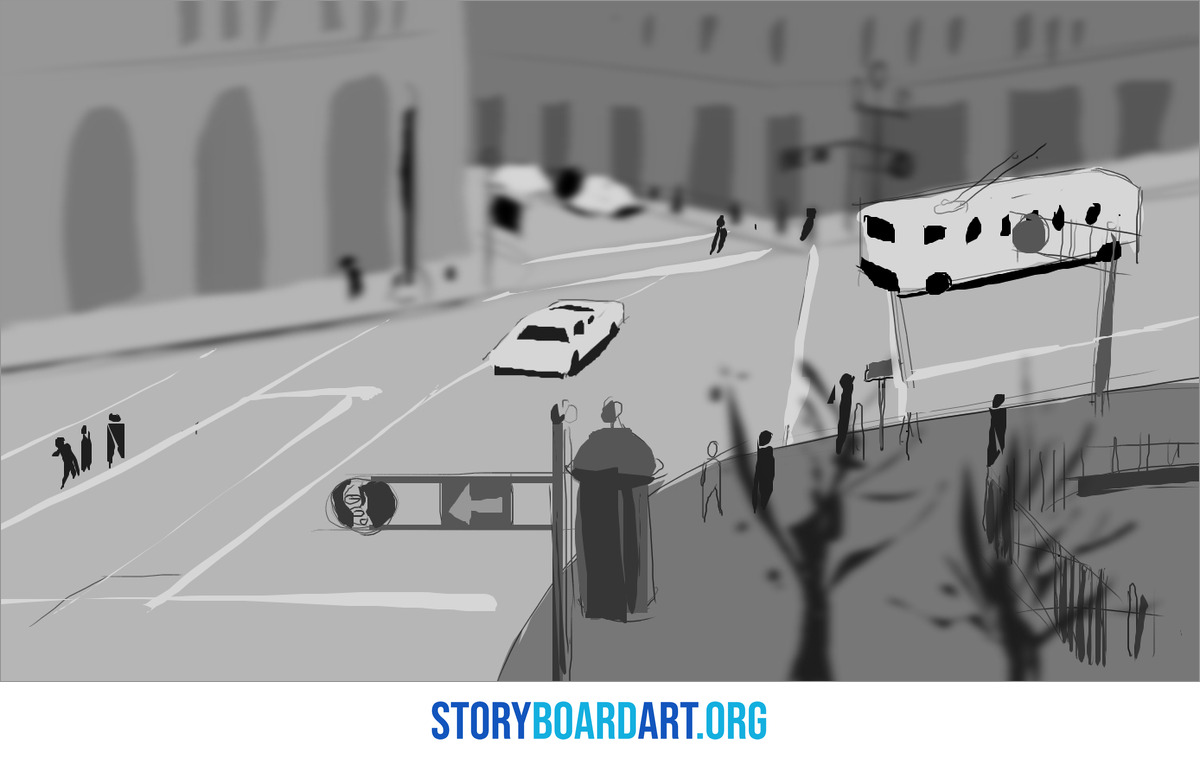
Before the sequence starts, I draw a quick floor plan from above, with each character's path as an arrow and an X for every camera position. It takes a few minutes, and it answers most of the questions that would otherwise come up halfway through the boards, like which side the door is on or where the car is parked.
Give the audience a wide shot early in the sequence that shows the whole space, and pick a landmark in it, such as a doorway, a pillar or a parked car, that you can keep in the background of later shots. Every time the landmark shows up, the audience gets their bearings back without needing another wide shot.
Screen direction matters even more in action than it does in dialogue. If the hero runs left to right, keep them running left to right, and keep the camera on one side of the line between two fighters so the attacker always comes in from the same side of the frame. 180 Degree Rule in Film: Storyboard Guide to Screen Direction explains the line and how to keep track of it across a whole sequence.
You can still change sides when the action calls for it. Show the crossing on screen, with a character or the camera moving across the line inside a shot, or cut to a neutral shot that looks straight down the line first, and the audience will follow the switch without feeling a jump.
How to storyboard a fight scene
A good fight is built out of exchanges, and each exchange is a small piece of cause and effect: one fighter attacks, the other reacts and the result changes the situation. Board each exchange so the audience sees both the cause and the effect, even when each one only lasts a fraction of a second.
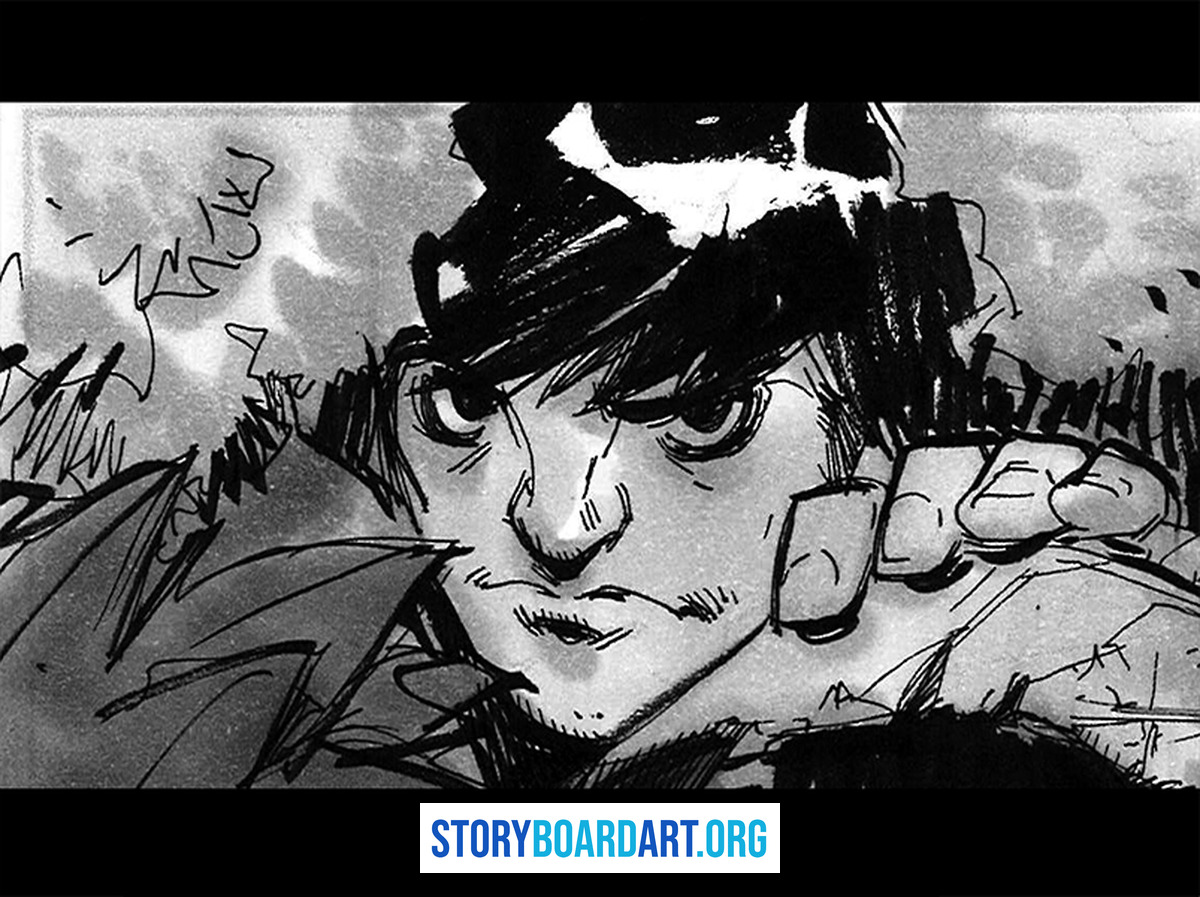
For each move, think in three poses. The anticipation is where the body winds up, the contact is where the hit lands and the reaction is where the other body takes it. You won't always draw all three, but you should know which one each panel shows, and anticipation is the pose beginners skip most often, even though it's what tells the audience a hit is coming.
Push a clear line of action through every pose, the one curve that runs through the body and shows where its force is going. Then picture each figure filled in solid black, and if the silhouette alone doesn't tell you what's happening, the pose won't read in a fast cut.
Before you board the first exchange, decide whose fight it is. The audience needs one character to ride along with, so keep most of the shots on that character's side and close to their eye line, and save the opponent's point of view for the moments when the fight turns against your hero. Camera Angles for Storyboard Artists: A Complete Shot Guide shows how each angle changes the way a viewer reads a character.
Here is how I learned fight staging myself.
I had the good fortune of working with some hyper-talented artists, and that is what you get access to once you have your foot in the door at a major studio. Steward Lee was my director on Star Wars: The Clone Wars, and he is one of the best action story artists working: he has been in the industry thirty-plus years honing it, and he almost never publishes his own work. I learned fight staging from him by him reviewing my work and drawing directly over my images to show me the improvement. That is how important the mentor-apprentice relationship is. You do not get that from a book.
If you can, find an artist who boards action and ask them to draw over your panels. A few quick lines on top of your own drawing will teach you more about staging a fight than a page of written notes.
How to storyboard a chase scene
A chase is about distance, the gap between the one running and the one chasing. The audience needs to know how big that gap is and whether it's growing or shrinking, so cut between the two often and use shots that hold both of them in the frame to measure it.
Keep a steady direction of travel through the whole chase. If it runs left to right, it keeps running left to right, so every cut tells the audience the chase is still on course. When the route changes direction, show the turn on screen, and use head-on or tail-away shots, with the action coming straight at the camera or racing straight away from it, as neutral moments between one direction and the next.
Then map the route and give it obstacles, like a crowded market, a closing gate or a turn that's too tight to take at speed. Each obstacle is a beat, a problem one side has to solve, and how they solve it should change the gap. Plan the ending before you board the middle, too, because a chase usually ends with a catch, an escape or a crash, and the boards should build toward it.
Chases are also where artists lean hardest on what they've already seen, since almost everyone carries a favorite chase around in their head, me included.
I boarded out a speeder bike action sequence that was an homage to Akira. The funny thing is, after I realised it, the director called me out and said, "Oh, that's Akira again." Almost every artist does this with something they are inspired by, so instead of being an homage it was a repetition of what many other people had done before. It was a smart call from the director to call me out on it, and because of that I ended up changing the sequence myself. I realised it was a poor effort at an homage, and an easy out, not using creative problem-solving to come up with something new and original. Instead of being inspired by a sequence I had seen before, I ended up copying one, and that was not the right move. Now, any time I think of something as an homage or something I am getting inspired by, I want to use it as a reference and then see what variations I can come up with.
When a sequence you love keeps showing up in your thumbnails, write down what it does well, like how it measures the gap or where it puts the obstacles. Then board your own route, obstacles and ending, so you keep the lesson and leave the shots behind.
Show motion on the page and control the pace of the cuts
Arrows tell the reader what moves inside a still panel. Draw character arrows on or right next to the figure that moves and put camera arrows outside the frame with a label like PAN L or PUSH IN. Keep one main move in each panel, so the eye knows where to go first. Storyboard Arrows: A Beginner's Guide to Showing Movement covers the full set of arrow types and the labels that go with them.
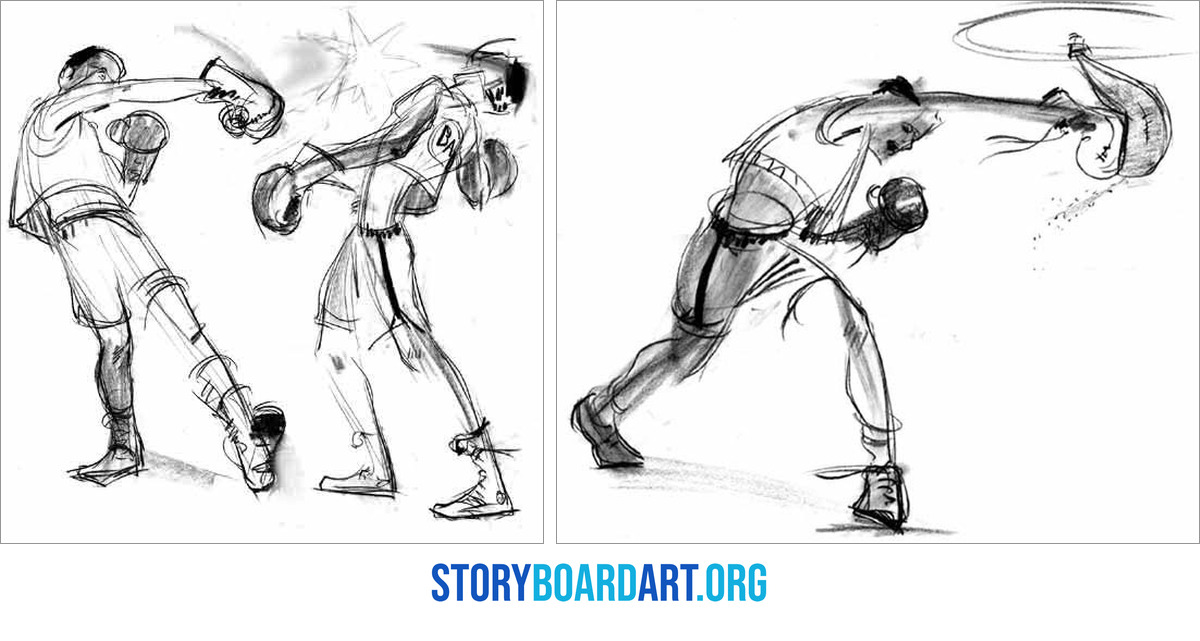
A big move often needs more than one panel. Spread a jump, a fall or a throw across two or three panels from start to finish, and add speed lines or a smear to the fastest part, so the reader can feel how fast it happens.
Camera angles add energy of their own, so save your strongest ones for the biggest beats. A low camera close to the action makes a hit feel heavier, and a high, wide shot can make a character look outnumbered when the fight turns against them.
Pace is the last thing to settle, and it shapes how the whole sequence feels. Shorter shots speed a sequence up and longer holds slow it down, so let the exchanges run fast and give the audience a held moment after a big hit or a near miss to take it in. If every shot is fast, nothing feels fast, because the contrast is what sells the speed.
Cut the boards into an animatic and play it at full speed, since that's where you find out whether the scene really reads. If you lose track of the action while it plays, go back to your floor plan and your beat list before you touch the drawings. A Storyboard Artist's Guide to Film Editing covers pacing and cutting from the editor's side.
An action sequence is one of the strongest pieces you can put in a portfolio, because it shows a reviewer that you can keep space and continuity clear when everything is moving fast. For help building the rest of it, sign up for Free Training: Build a Killer Storyboard Portfolio, a workshop that comes with downloadable portfolio templates.
Frequently asked questions about storyboarding action scenes
How many panels does an action scene need?
There's no set number, because the count follows the shots and the moves inside them. Board at least one panel for every shot, then add panels inside a shot wherever a big move or a camera move needs a clear start and end.
Do you need to draw every punch in a fight scene?
No, board the moves that change the situation and let a note cover the rest. A panel with a note like "trades three fast punches" tells the director and the rest of the team what happens without slowing the boards down, and it saves your drawing time for the exchanges that matter.
How do you show a hit in a storyboard panel?
Draw the moment of contact or the instant just after it, and let the reaction sell it, with the head snapping back, the body folding or the feet leaving the ground. A note like CAMERA SHAKE, or a white flash frame between two panels, adds impact when the scene calls for it.
