Contents
- What storyboard software does for you, and what it cannot do
- The tools working storyboard artists use
- Free storyboard software and low-cost ways to start
- Animatic storyboard software: timing your boards to sound
- AI storyboard tools: what they can and cannot do for you
- How to choose storyboard software for the work you want
I have spent my career drawing boards, and the tools I draw them with have changed many times. The job they serve has stayed the same: tell the story clearly, one panel at a time, so the people who come after you can build the scene from your boards.
Below I go through what storyboard software does and cannot do for you, the tools working artists use, free ways to start, timing animatics, AI tools and how to choose the right program for the work you want.
What storyboard software does for you, and what it cannot do
Storyboard software holds your panels in order and lets you add, cut and rearrange them without redrawing a page. Most programs built for boards also let you write dialogue and action notes under each panel, set how long each one stays on screen and export the sequence as a PDF or a movie for review.
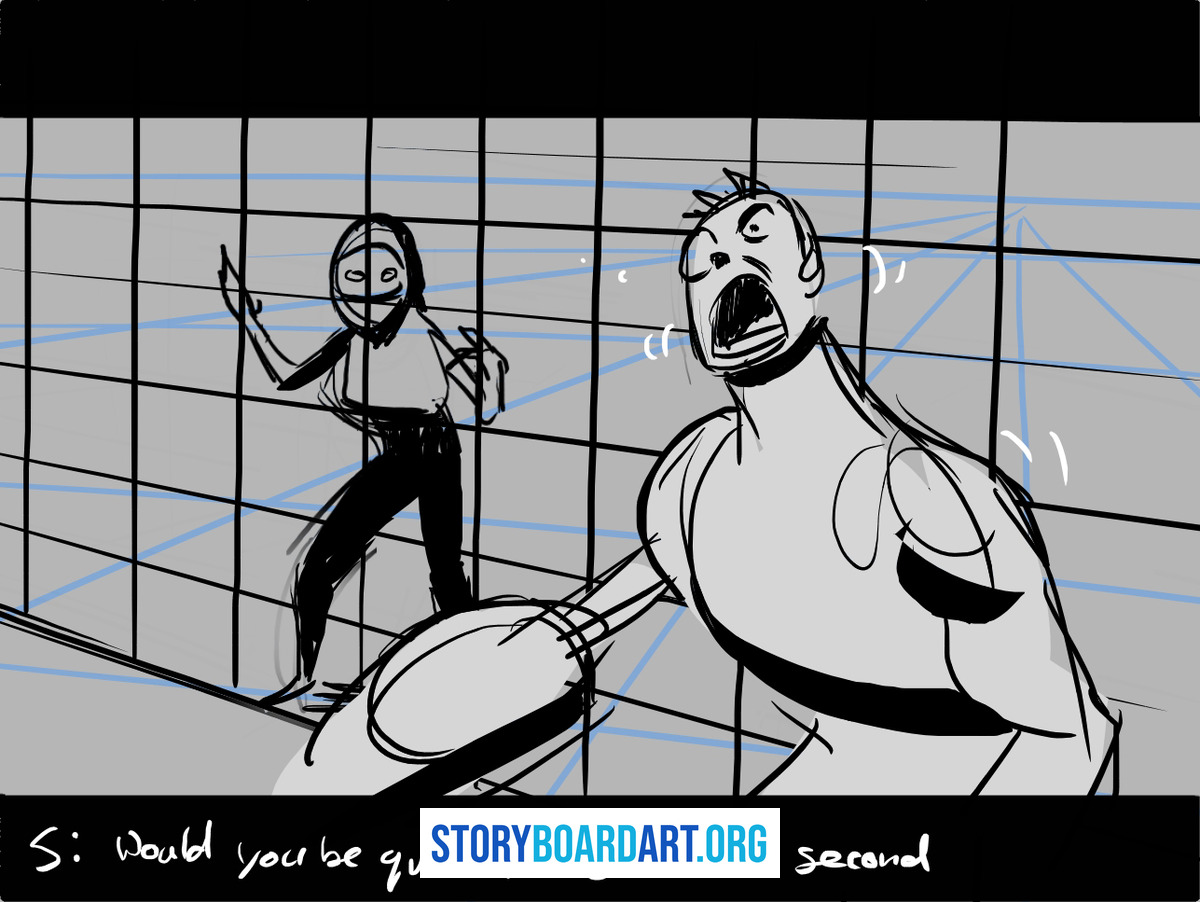
That helps most when a sequence goes through rounds of notes. A director asks for a new angle on one shot, and you redraw two panels instead of a whole page, then send the new version the same afternoon.
What the software cannot do is the part you are hired for. It will not decide where the camera goes, which character the audience watches or when to cut to a close-up. The drawing, the staging and the storytelling are still your job, and no program makes a weak sequence read better.
If you are new to storyboarding, learn the craft before you learn the tools. Introduction to Storyboarding: The Beginner's Complete Guide explains what a storyboard is for and how one gets made, and all of it works the same on paper or on a screen.
I care far more about whether your boards read than about which program drew them. A clear sequence drawn in a free app will take you further than a confusing one made in the program a big studio uses.
The tools working storyboard artists use
Many animation studios board in Toon Boom Storyboard Pro, so it is worth learning once you know animation is where you want to work. It keeps your panels, camera moves and sound on one timeline, so you can board a sequence and play it back as a rough film in the same file.
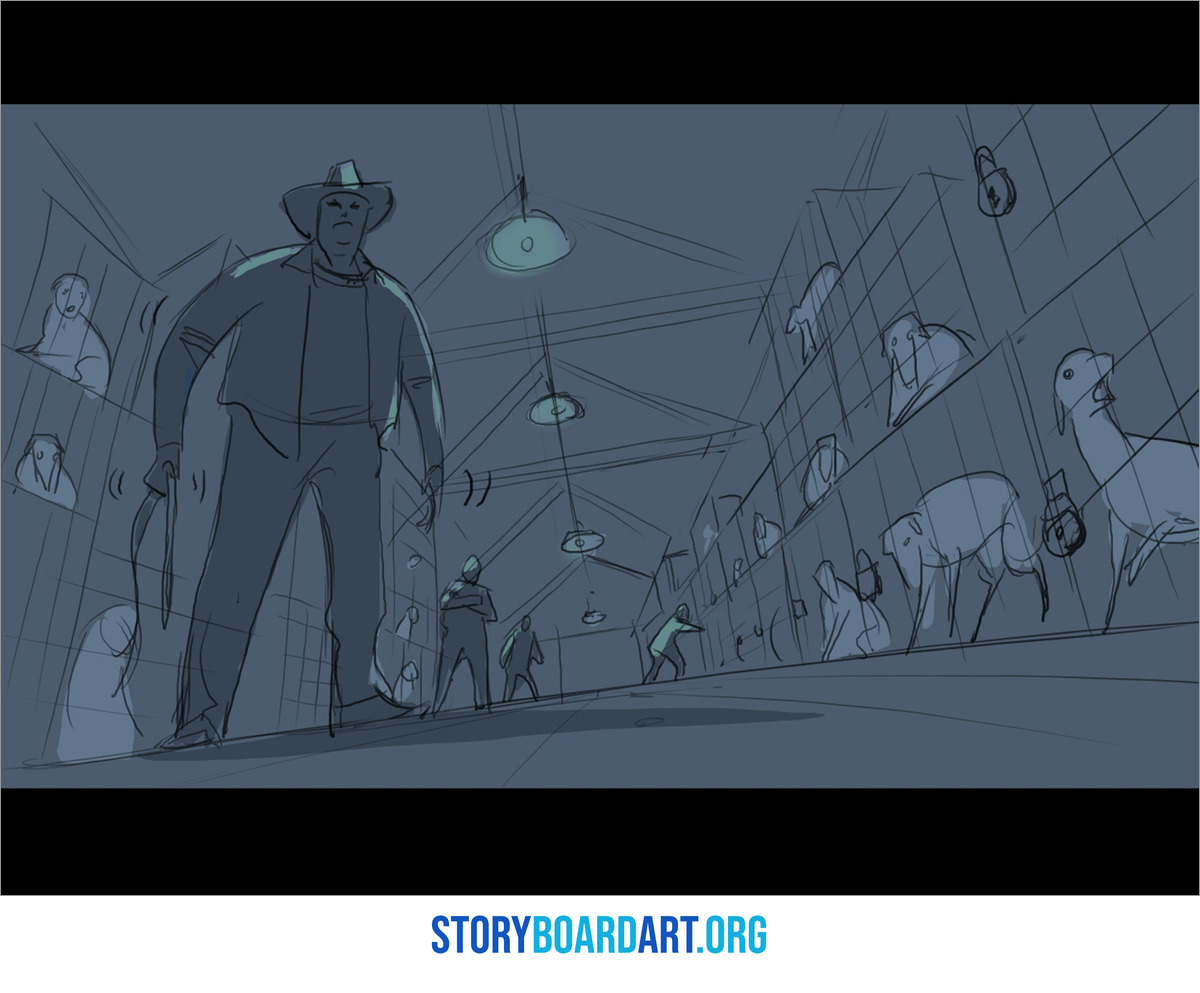
Toon Boom Storyboard Pro: Build a Portfolio-Ready Animatic walks through a full project in it, from setting up your first file to thumbnails, panels, timing and a clean production-style file.
Photoshop is the other program I see on story artists' computers again and again. Artists use it to draw roughs, paint color into finished boards and clean up panels for a pitch.
The habit that saves the most time in Photoshop is working without damaging your drawing, so you can still change it later. Using Photoshop in a non-destructive way covers working in layers and naming them properly, which pays off the first time a director asks for a late change.
Whatever program you use, you need something to draw on, which for most artists means a pen tablet, a pen display or an iPad. Choosing a Drawing Tablet for Storyboarding looks at Wacom and its alternatives, the Apple option and the Microsoft Surface. It also suggests going second-hand when you are starting out.
Plenty of working artists still draw their roughs on paper first, and I am one of them. Paper is fast, it never crashes and it stops you polishing a panel before you know it belongs in the sequence. This is my own setup when I start on a new sequence.
For roughs I use 18x24 acid-free bond paper in loose sheets, or old-school 12-field animation paper, and a mechanical pencil. I draw fast and loose at first, doing many quick sketches until the idea I want sticks. I draw on a heavy-duty architect's drafting table I can adjust for angle and height — I got that table for free from an engineering office that was getting rid of them. Thanks Dad. Most of the time I have an artbook open next to me for inspiration and style reference; it puts me in the mood to see how other artists have solved visual problems. I love looking at other people's work.
None of that setup had to be bought new, and none of it is what makes a drawing good. Once an idea works on paper, the software is where it gets timed, revised and shared.
Free storyboard software and low-cost ways to start
You do not need expensive software to learn storyboarding, and starting with a free tool takes the pressure off. Storyboarder is a free program built only for storyboards, with panels to draw in, room for notes under each one and a way to play the sequence back in order.
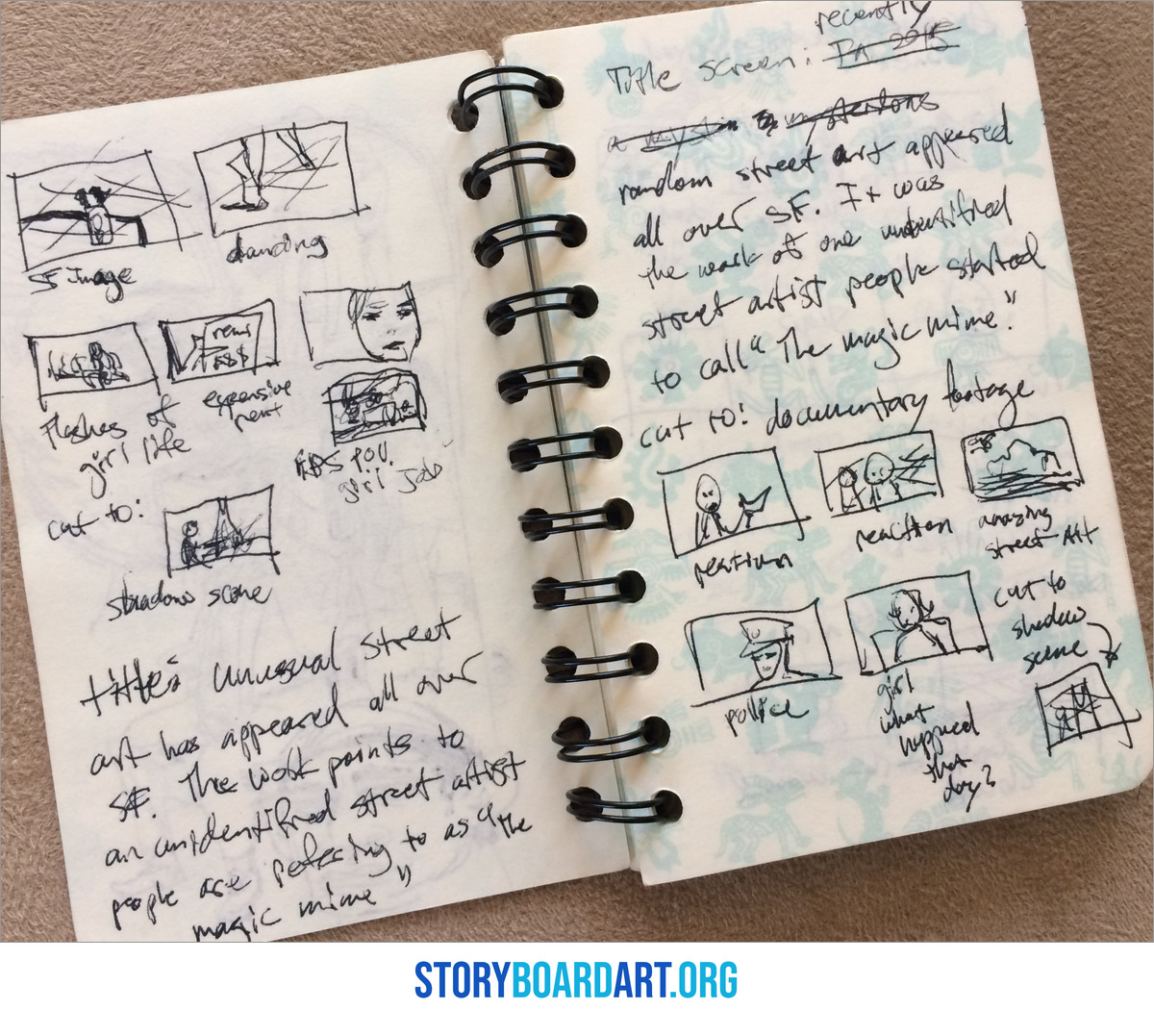
A free drawing app on a tablet works too, and so do a pencil and a stack of printer paper. What you are practicing is the drawing and the cutting between shots, and both carry over to whatever program a studio hands you later.
If you need boards for a school project or a short film and have no drawing program at all, even a word processor can hold a clean grid. How to make a storyboard on a Word document that actually holds up shows how to set up the page, build the panel grid with a table, add shot notes and export a PDF.
The bigger choice is how many tools you try at once. I often see artists download five programs, learn the menus in each and never finish a sequence in any of them, when one tool learned well would have taught them more.
Pick one program, board a full sequence in it and then board another one. By the third sequence the tool stops getting in your way, and your attention goes back to the shots.
When I wrote Top 10 Tools for the Story Artist, only two of the ten entries were drawing programs. The rest included a sketchbook, books on figure drawing and story structure, a good coffee and an alarm clock, because the habits around the software matter more than the software itself.
Animatic storyboard software: timing your boards to sound
An animatic is your boards played in time against sound, so a sequence can be judged as a scene before anyone animates or shoots it. Timing is where many sequences that looked fine on the page fall apart, because a pause that felt right in your head runs long or a joke lands a beat too early.
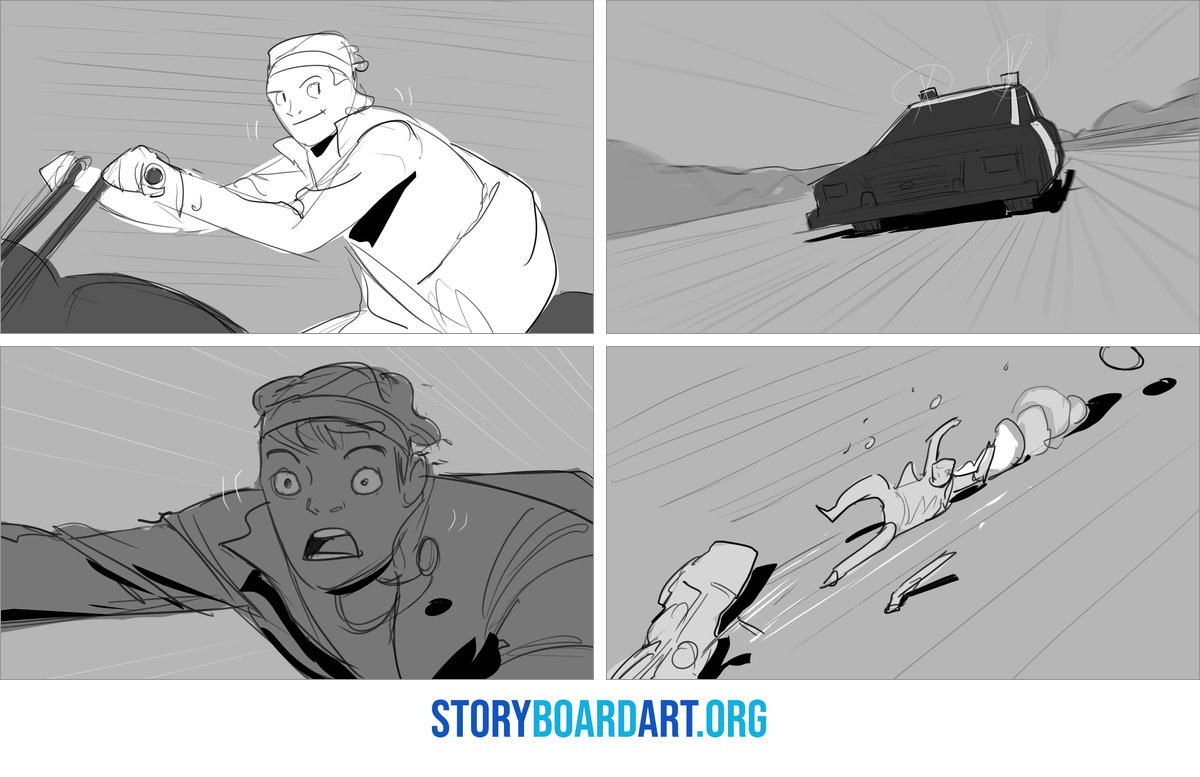
What Is an Animatic? How Storyboards Become a Timed Scene covers the whole process, from where animatics sit in the pipeline to recording the scratch dialogue that makes yours watchable.
In animation, story artists now often cut their own animatics, because the software now lets one artist do it and directors want to see timing early. In Storyboard Pro you can time your panels, add sound and set camera moves on the same timeline you boarded on.
If you draw your boards in Photoshop or on paper, you can bring the exported or scanned panels into an editing program and time them there. Any editor that lets you lay still images over a sound track will do the job, and a free one is fine while you learn.
Start with scratch dialogue you record yourself on your phone, then cut your panels to it. The first time you hear the sequence play, you will find the shots that drag and the ones that go by too fast, and that is the most useful note an animatic can give you.
Many studios expect story artists to time their own boards, so practice it early. A short animatic in your portfolio shows a reviewer that you think about timing and pace, which a page of panels cannot show on its own.
AI storyboard tools: what they can and cannot do for you
AI storyboard tools turn a written prompt into a finished-looking frame, and that can be useful in small ways. You might use one to gather mood and lighting reference or to test an idea for a location before you draw it.
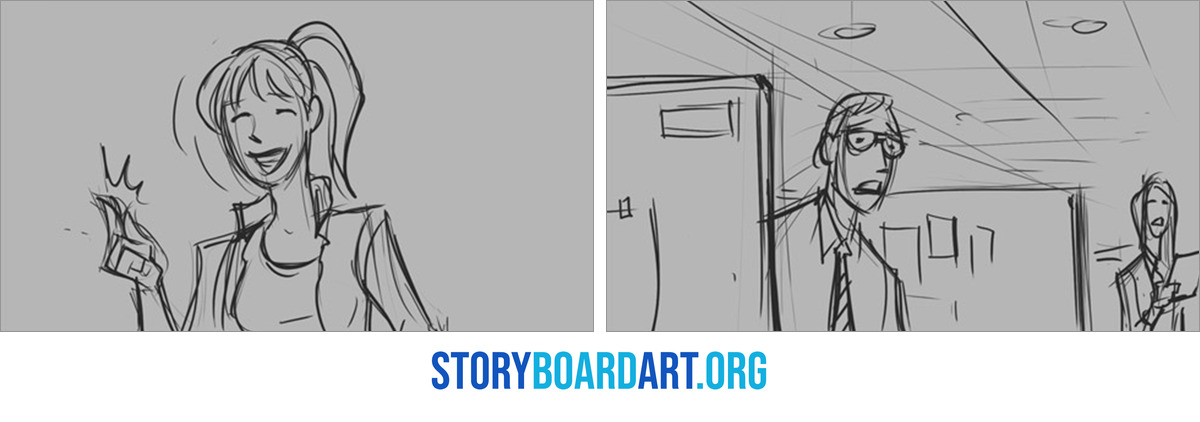
What they cannot do is make the choices a story artist is hired to make. A prompt does not know why a character hesitates at a door, which shot should hold for an extra beat or how to keep screen direction clear across a whole sequence.
A director's notes are about acting, staging and timing, and answering them means understanding the story and drawing the change. Many artists starting out are worried about AI, and I understand why.
What I tell an artist who is scared of AI right now is that this is nothing new. We have seen many technological changes over the decades in this industry, and many revolutions in the way films are made. AI is essentially another tool, an acceleration of the execution process. It does not replace good storytelling. It might assist it.
Whether to enter an industry because of a technological advancement or a new fancy tool should be irrelevant. We as artists are inherently risk-takers. We enter into this because we love it. This is not usually a career choice where you are debating between finance and becoming a visual storyteller. The reason we become filmmakers is that we cannot live doing anything else, and that is where the emotional and passion foundation lives.
Throughout history artists have used tools to express themselves. In the most basic form you use a paintbrush to create a painting. In this industry the paintbrush is constantly changing, but what stays forever is the foundation of good quality stories. I have been around long enough to see studios come and go and close down, and new developments appear: virtual reality, augmented reality, mobile apps, streaming platforms, YouTube. None of that existed when I first got into the industry. There has never been a more exciting time, and there has never been more content produced globally than there is now.
So learn what the AI tools do, try them if you are curious and keep your attention on the craft they cannot copy. The artists who last are the ones who master drawing and storytelling, whatever brush the industry hands them next.
How to choose storyboard software for the work you want
Match the tool to the job you want, because animation, live action and pitch boards each ask for something different. Here is how I would think about each one.
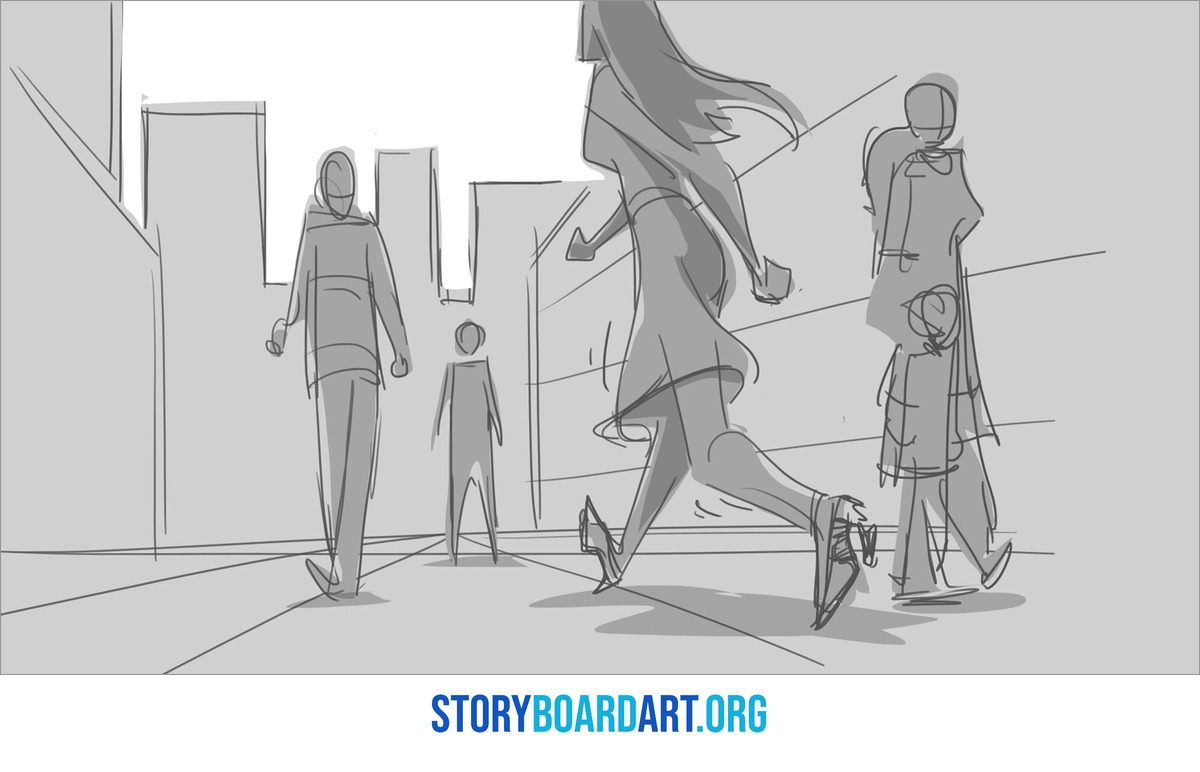
- Animation: learn Toon Boom Storyboard Pro once animation is your goal, because many animation studios board in it and expect you to time your own sequences.
- Live action: boards for films, commercials and music videos are often drawn in Photoshop or on paper and sent as image files or a PDF, so drawing speed matters more than any one program.
- Pitch boards: a pitch needs fewer panels with more finish, so painting skills in a program such as Photoshop count for more than timeline tools.
Before you commit to a program, look at the job posts and career pages of the studios you want to work for. Many of them name the software their story artists use, and that is a better guide than any ranking you will find online.
If you want to work in animation in the US, it also helps to know The Animation Guild (IATSE Local 839), the union that represents animation artists, story artists included. Its site explains the benefits and workplace rights that come with a union job, which is worth knowing before your first studio offer.
When you apply, let your portfolio show your boards rather than your software. The people reviewing it want to see whether a sequence reads, whether the staging is clear and whether the acting holds up. None of that depends on which program you used.
If you want help building that portfolio, start with Free Training: Build a Killer Storyboard Portfolio, where I walk you through how to build one.
